
How to Combine PDF Files Without Adobe Acrobat (Free & Secure)
 Denis
Denis

Adobe Acrobat is powerful — but expensive. If all you need is to merge two PDF files, paying for a subscription is overkill. Combine PDFs without installing software, and without uploading confidential documents to third-party servers.
Method 1: Merge PDFs Instantly (Recommended)
If your goal is simple — merge PDF files without Adobe or any software — this is the fastest and safest option.
-
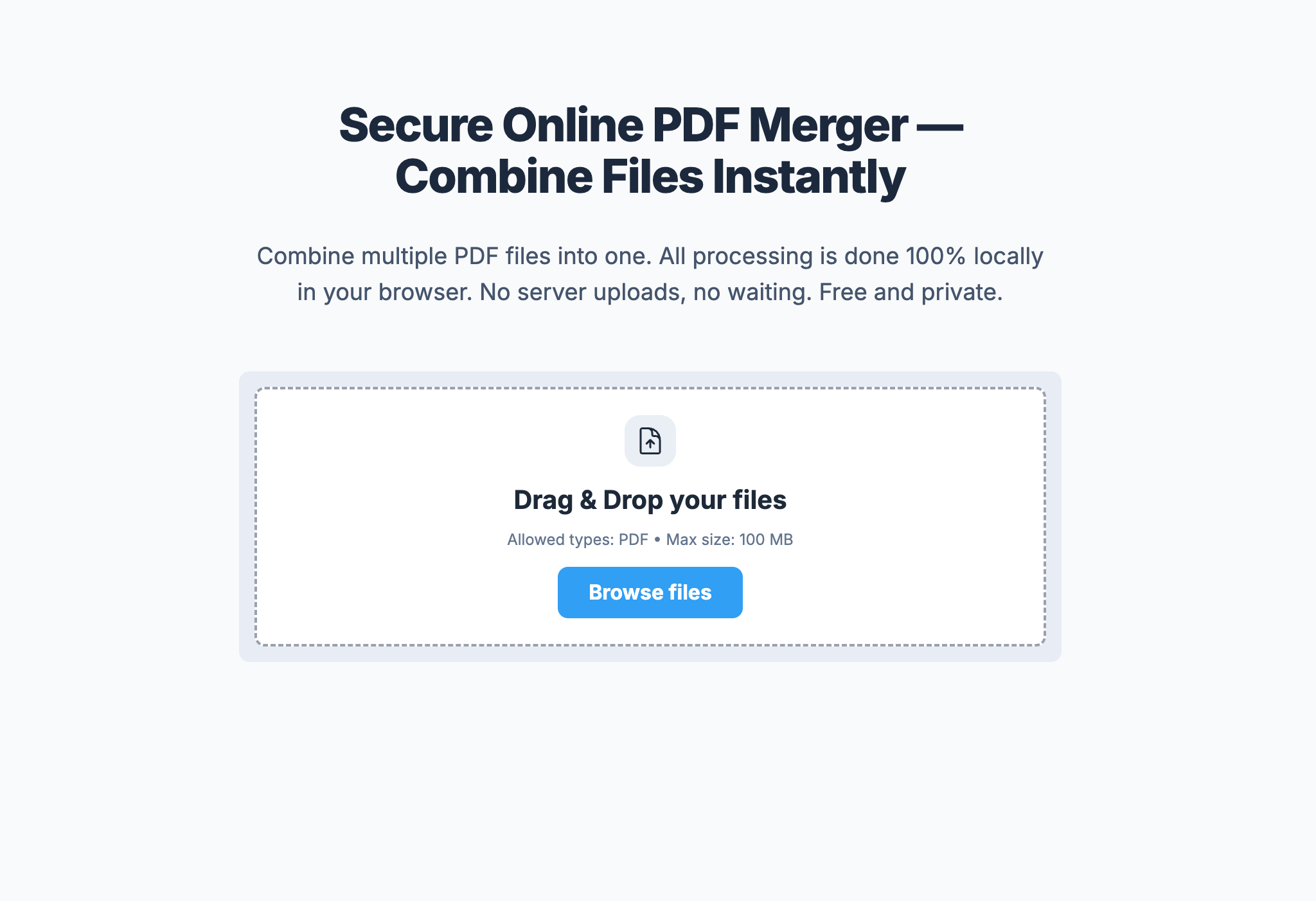
1Open the tool and add your PDF files.
-
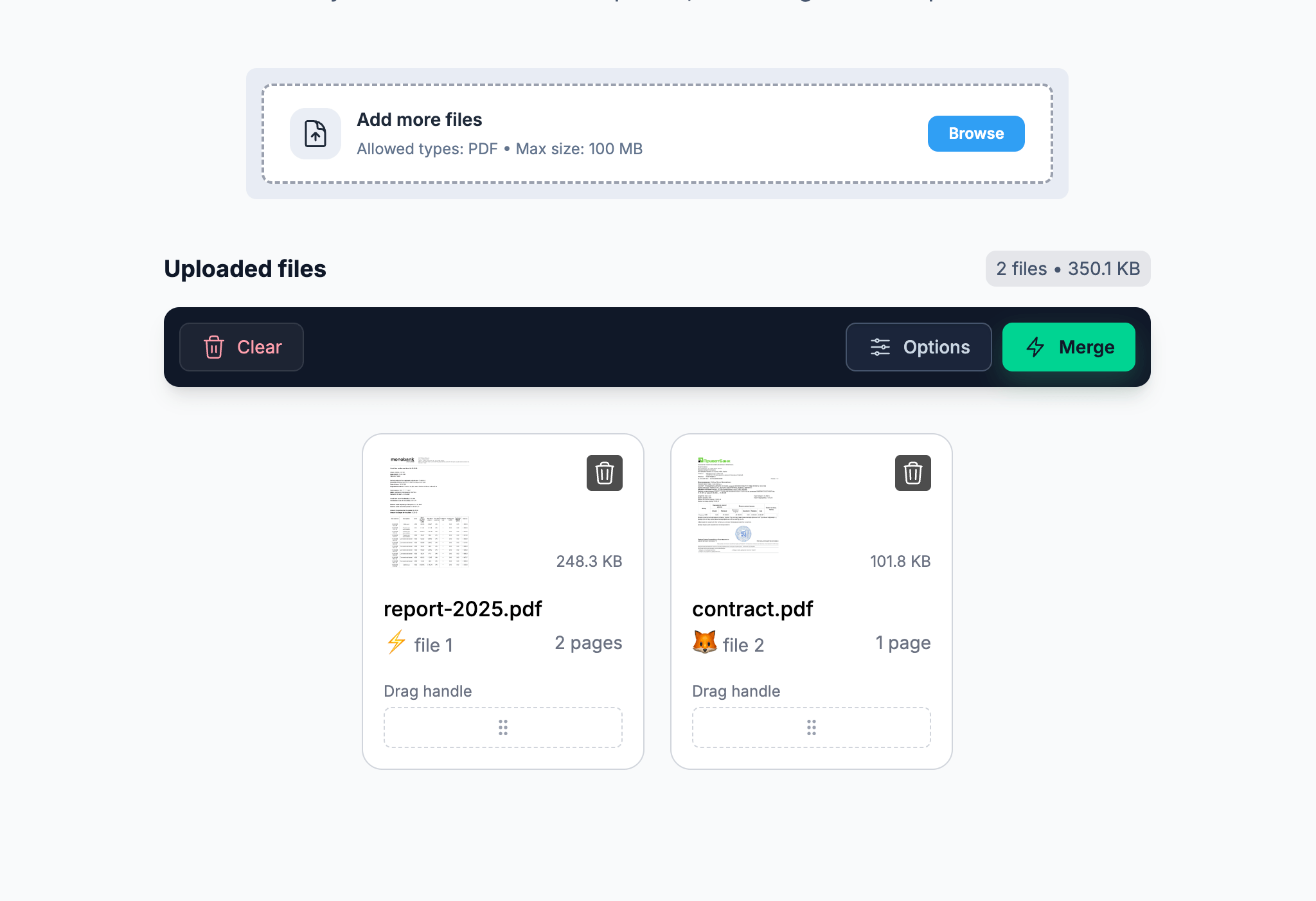
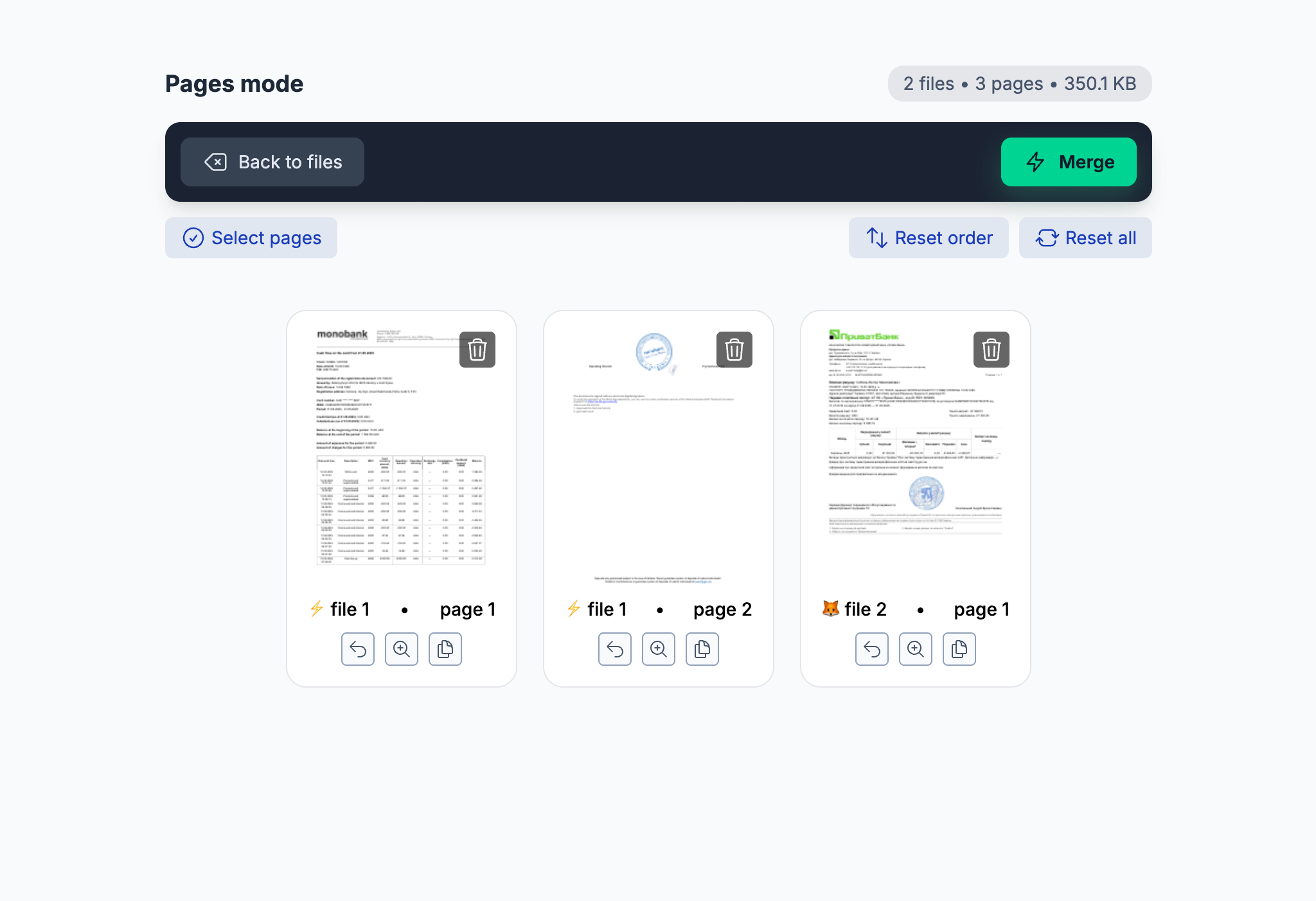
2Merge instantly — or customize pages if needed: reorder, rotate, or remove what you don’t need.
-
3Download your combined PDF.

- • Files are processed locally in your browser
- • No uploads to any server
- • No account, no limits, no subscription
- • Great for contracts, invoices, and confidential documents
Works on Windows, macOS, Linux, iOS, and Android — all you need is a browser.
Method 2: Built-In Tools on Windows & macOS
Operating systems offer basic ways to merge PDFs, but they’re limited — especially with larger documents or many files.
You can insert PDFs into a Word document and export it back to PDF.
- • Formatting may break
- • Slow with large PDFs
- • Not built for PDF workflows
Drag & drop pages between PDFs to combine them.
- • Limited page control
- • Not convenient for many files
- • Mac-only solution
Method 3: Other Online PDF Merge Services
Tools like iLovePDF or SmallPDF can work — but most upload your files to external servers and limit free usage.
- • Files are uploaded to third-party servers
- • Daily limits on free usage
- • Watermarks or forced upgrades
FAQ: Combining PDFs Without Adobe
How do I combine PDF files in Windows 10 without Adobe?
Use HeadPDF directly in your browser or Microsoft Word for basic cases. HeadPDF is faster and preserves formatting.
How do I merge PDFs on Mac without Acrobat?
Preview works for small tasks, but HeadPDF offers better control and works on any device.
Can I merge PDF files without installing software?
Yes. HeadPDF runs entirely in your browser — no installation required.
How can I combine two PDF files without Adobe Acrobat?
Upload both files to HeadPDF, arrange pages if needed, and download the merged PDF for free.
Are there completely free PDF merge tools?
Yes. HeadPDF is free to use and does not require registration or a subscription.
Stop Paying for Adobe Just to Merge PDFs
If merging PDFs is all you need, Adobe Acrobat is overkill.
👉 Start your secure merge PDF